The LinkedIn outreach tool that won’t get you banned
Ombaia drafts personalized connection notes, follow-ups and InMail from your ICPs and your company context. You review and send from your own account — no automation, no ToS risk.
No risky automation · No ToS violations · Your account stays safe
Automated outreach puts your account on the line
Most LinkedIn outreach tools auto-connect and auto-message on your behalf. That is exactly what LinkedIn restricts. One detection or one policy change, and the account you built your pipeline on can be limited or banned overnight. A faster tool is worth nothing if it costs you the account.
It does the hard part, not the risky part
Ombaia drafts
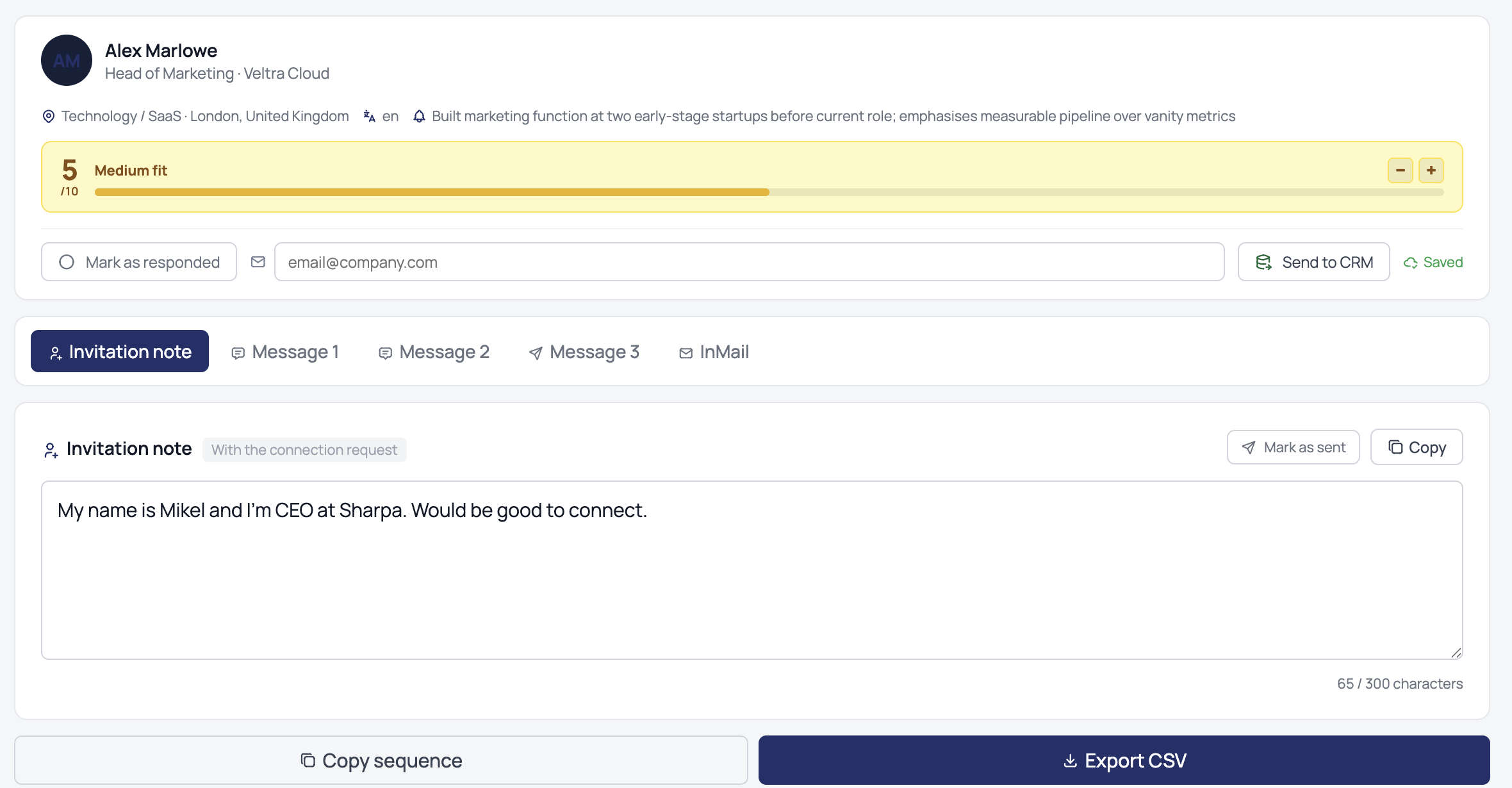
It scores your prospects against your ICPs and writes the connection note, follow-up or InMail in your voice.
You review
Every message is a draft. Edit it, keep it, or discard it. Nothing is sent without you.
You send
You send manually from your own LinkedIn account. Ombaia never touches it — so there is nothing to detect and nothing to ban.
Everything you need to run outreach, minus the automation
Prospect scoring by ICP
Ombaia ranks and prioritizes your prospects against the ideal customer profiles you define, so you work the right people first.
Drafts in your voice
Connection notes, follow-ups and InMail, written from your company context and each prospect — not generic templates.
You stay in control
You send every message yourself. You log what you sent and the replies you get, and Ombaia keeps the full history per prospect.
CRM integration
Push prospects to your CRM. Pipedrive is available today, with more integrations coming.
Paste your website. It learns the rest.
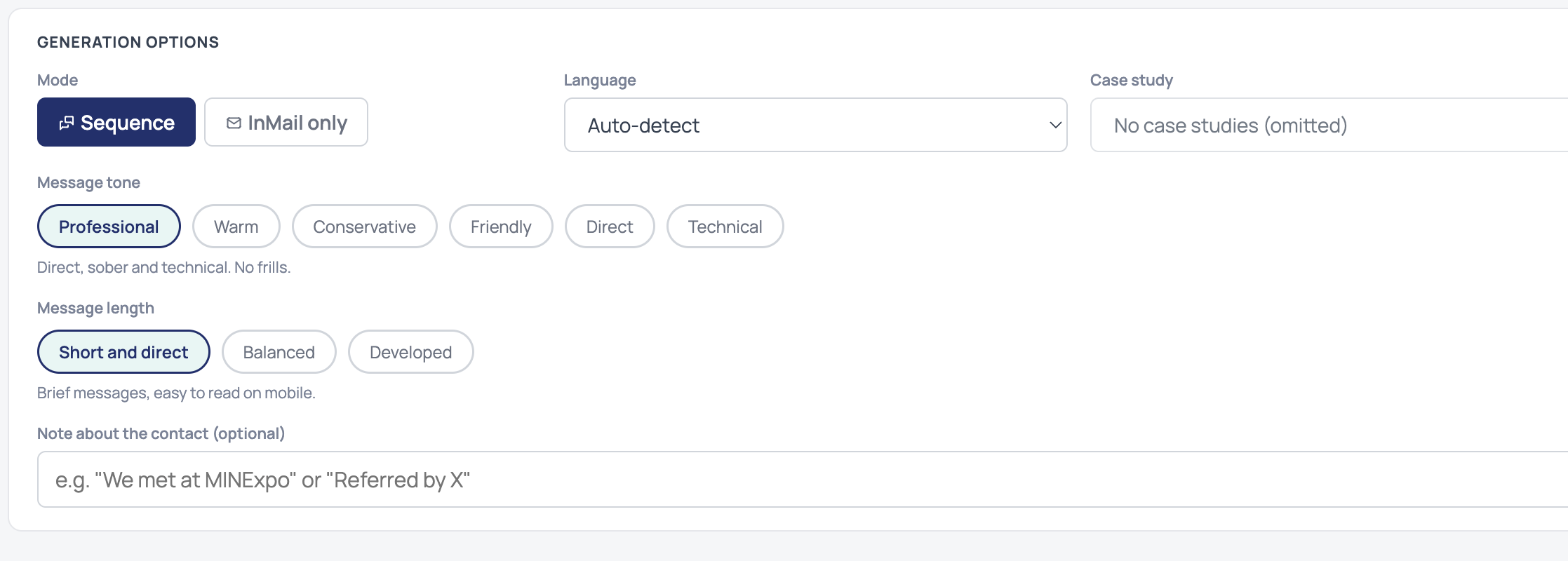
Ombaia reads your site to understand what you sell, who you sell to and how you talk — so the messages reference what you actually do, not filler. Want more precision? Enrich it with your dossier, ICPs and case studies. Optional, not required.
Straight answers
Is Ombaia a LinkedIn automation tool?
No. Ombaia never connects to LinkedIn or sends anything for you. It drafts personalized messages; you review and send them manually from your own account.
Will using Ombaia get my LinkedIn account banned?
There is no automation touching your account, so there is nothing for LinkedIn to detect. You send everything manually, which keeps you within LinkedIn’s rules.
What does it write?
Personalized connection notes, follow-up messages and InMail, drafted from your ideal customer profiles and your company context.
Does it connect to my CRM?
It integrates with Pipedrive today, and more CRM integrations are on the way.
How does it track what I send and the replies I get?
You log what you send and the responses you receive. Ombaia keeps the full history for every prospect so nothing gets lost.
Do I need to write prompts or upload a lot first?
No. Paste your website and Ombaia learns your business on its own. You can enrich it with your dossier and ICPs if you want sharper results, but it is optional.
Run LinkedIn outreach worth replying to — without risking your account
Start free. Paste your website and see your first drafts.
Start free trial